AI Apps that clock in when you clock out.
14-day trial, no seat limits. Get started for free







One governed platform for AI and your people's work.
Most tools cover one slice. Each comes with its own permissions and its own records.


-
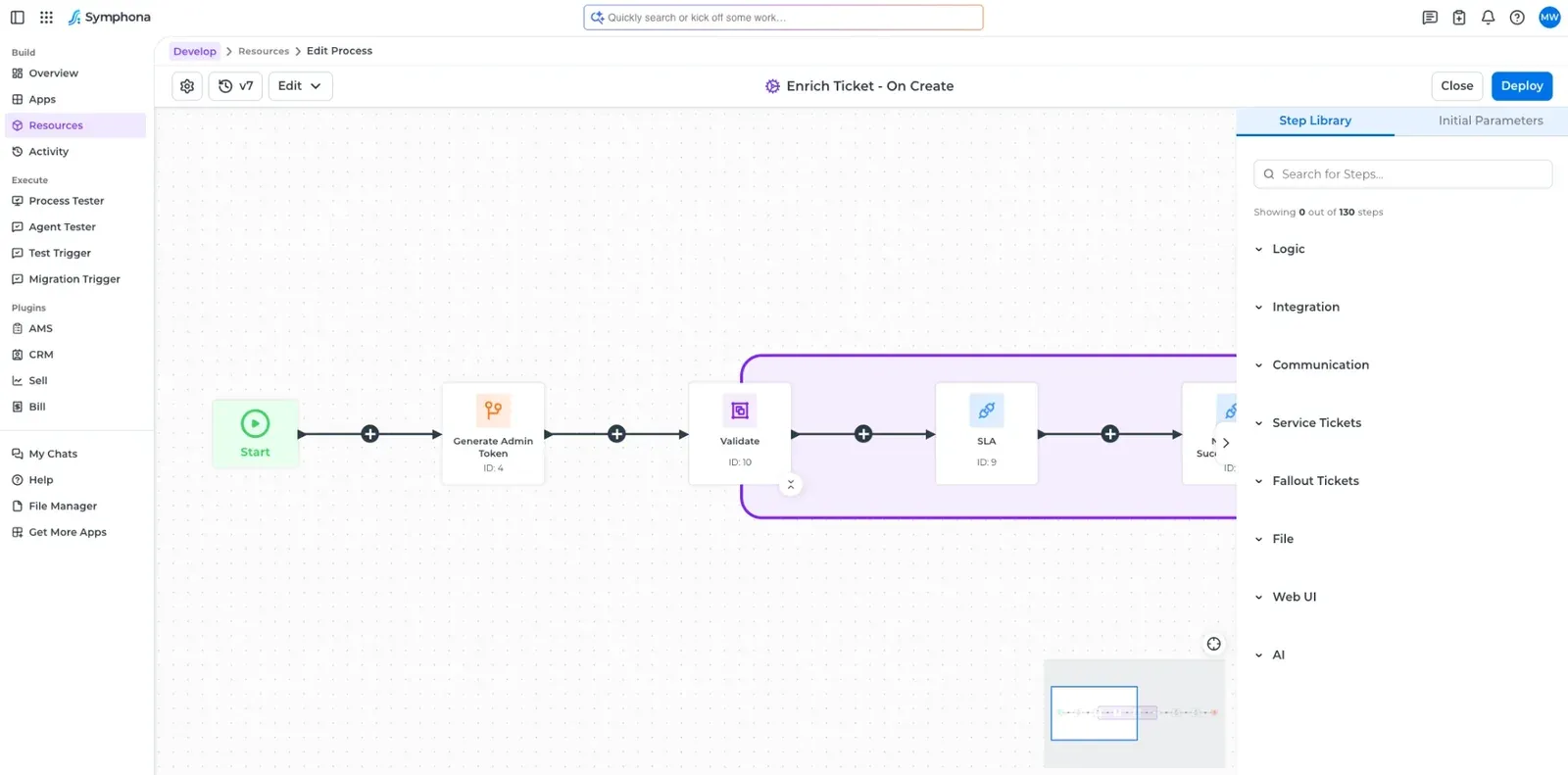
Autonomous work
AI Agents and Processes run recurring work end to end, by your rules.
-
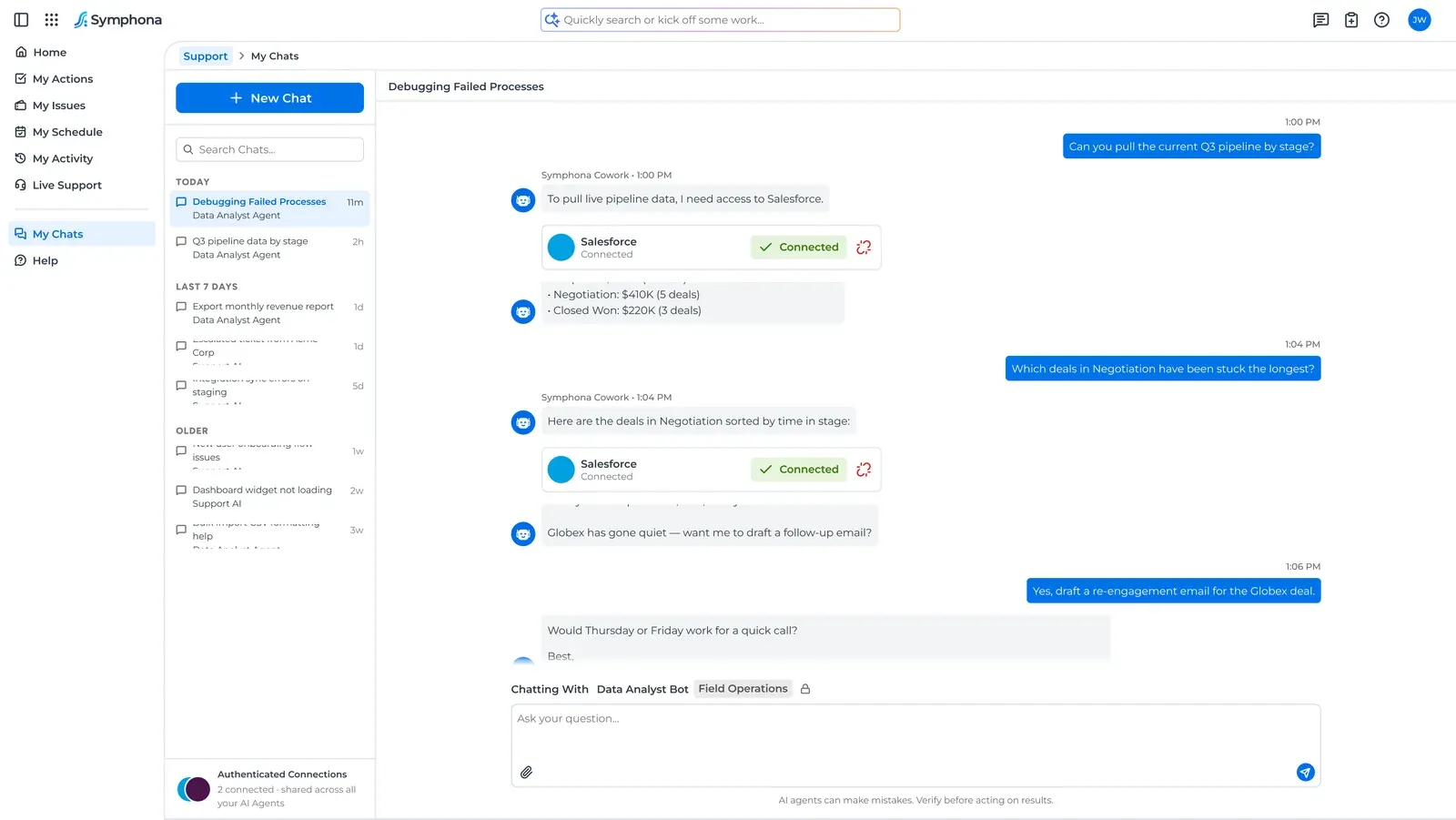
Everyday AI use
Staff chat with AI Agents and models, and trigger actions across your systems.
-
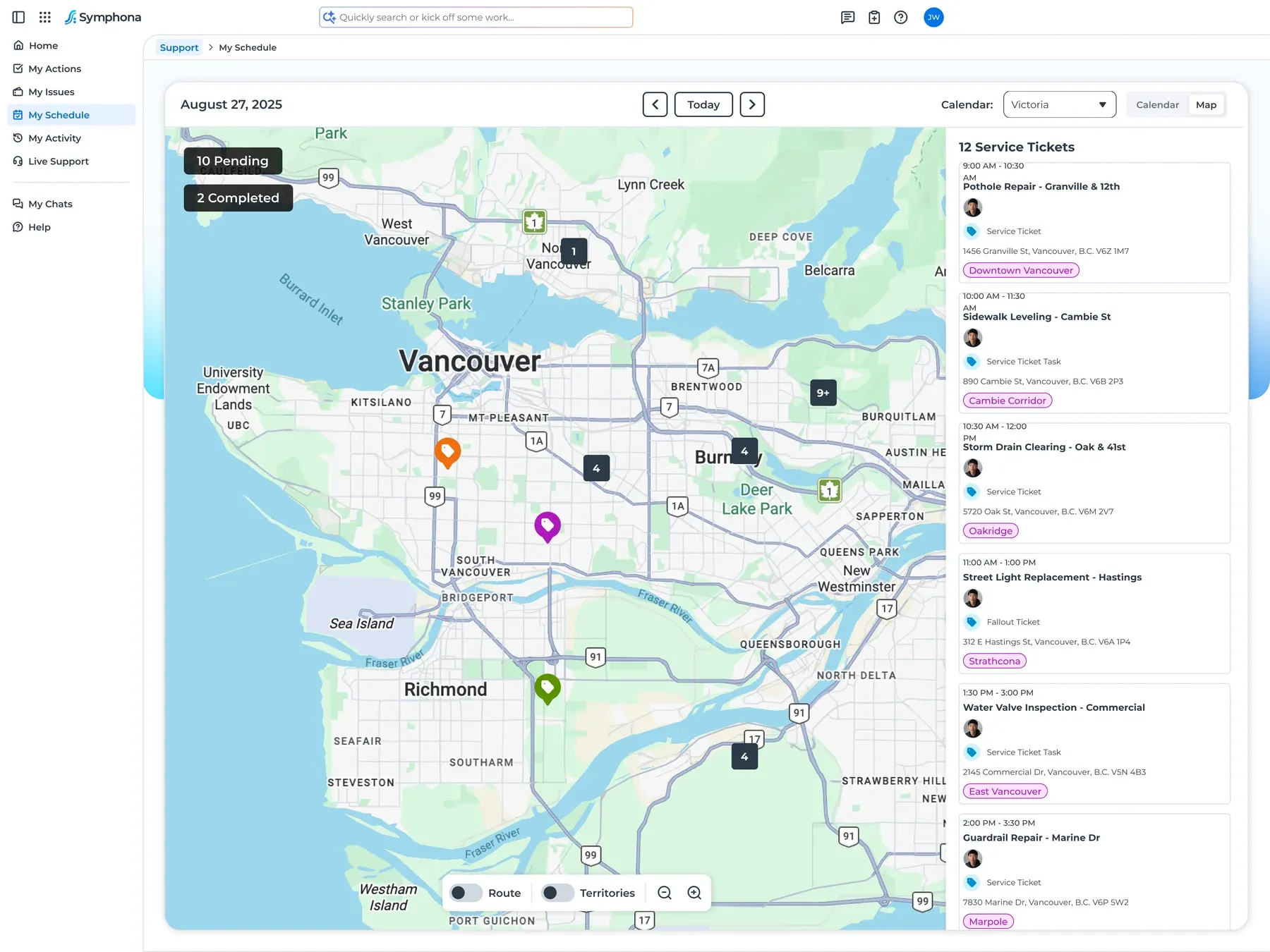
Work people still do by hand
Tasks and service tickets, from back-office work to scheduling field visits.
Use all the latest models in one place, and build any AI solution for your business.
Install an App for the job. Or describe it to Cue.
An AI App bundles the AI Agents, Processes, human tasks and anything else one job needs. It reports on the results you define.
Ready-made Apps from the catalog.
Browse AI Apps- Field Service App. Your crews ask the App. It answers from your manuals and routes the rest to the right desk.
- RFP App. A first draft of every RFP answer, with a decision trail.
- Accounts Payable App. Reads and codes each invoice against your vendor terms and approval rules.
- Customer Support App. Customers help themselves. Your team takes the rest.
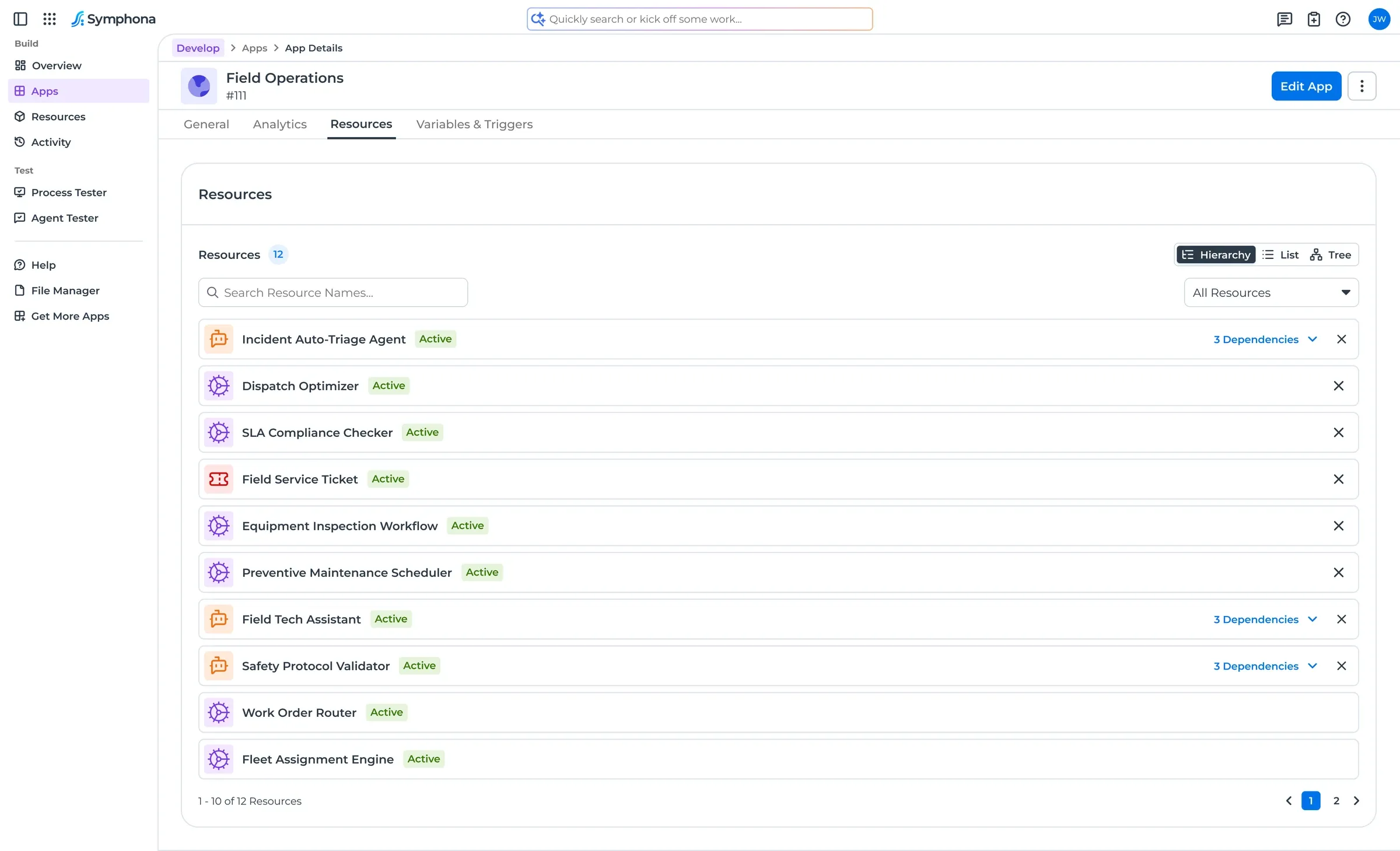
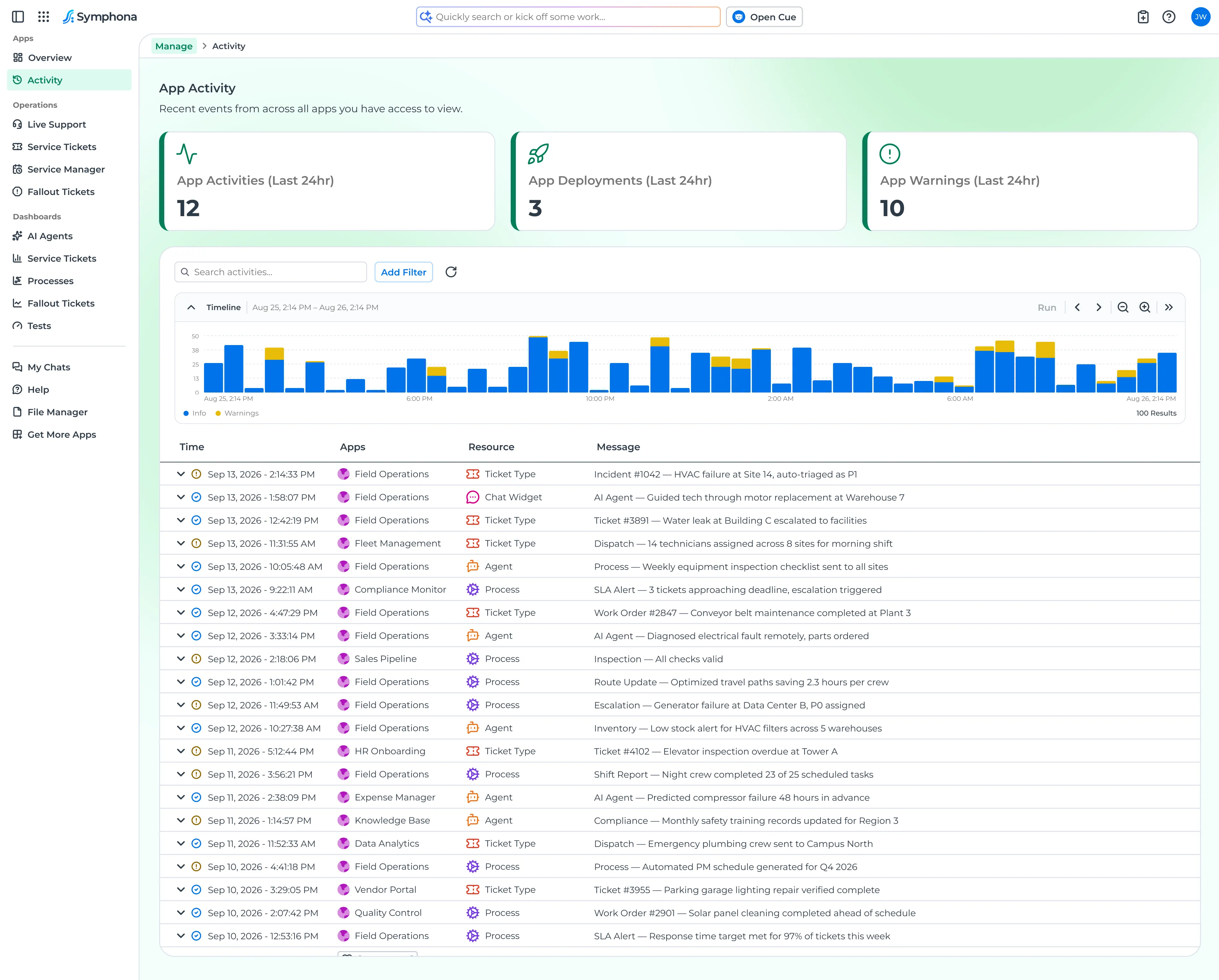
4,000+ field technicians, live in eight weeks.



- A crew's question comes in.
- The App replies.
- An escalation waits for a person.
A major North American telecom rolled out a field operations app across its technician workforce. The app now handles about 1.2 million field tickets a year. The projected $20M+ a year in savings comes from automating ticket triage, validation and enrichment, which saves back-office hours. Enrichment pulls what each ticket needs from other systems, so the back office stops switching between them.
SimplyAsk's intuitive tools and open integrations make it a simpler and more scalable option than building and maintaining complex, expensive custom AI solutions in-house.
AWARDS


Your people pick up only what needs them.
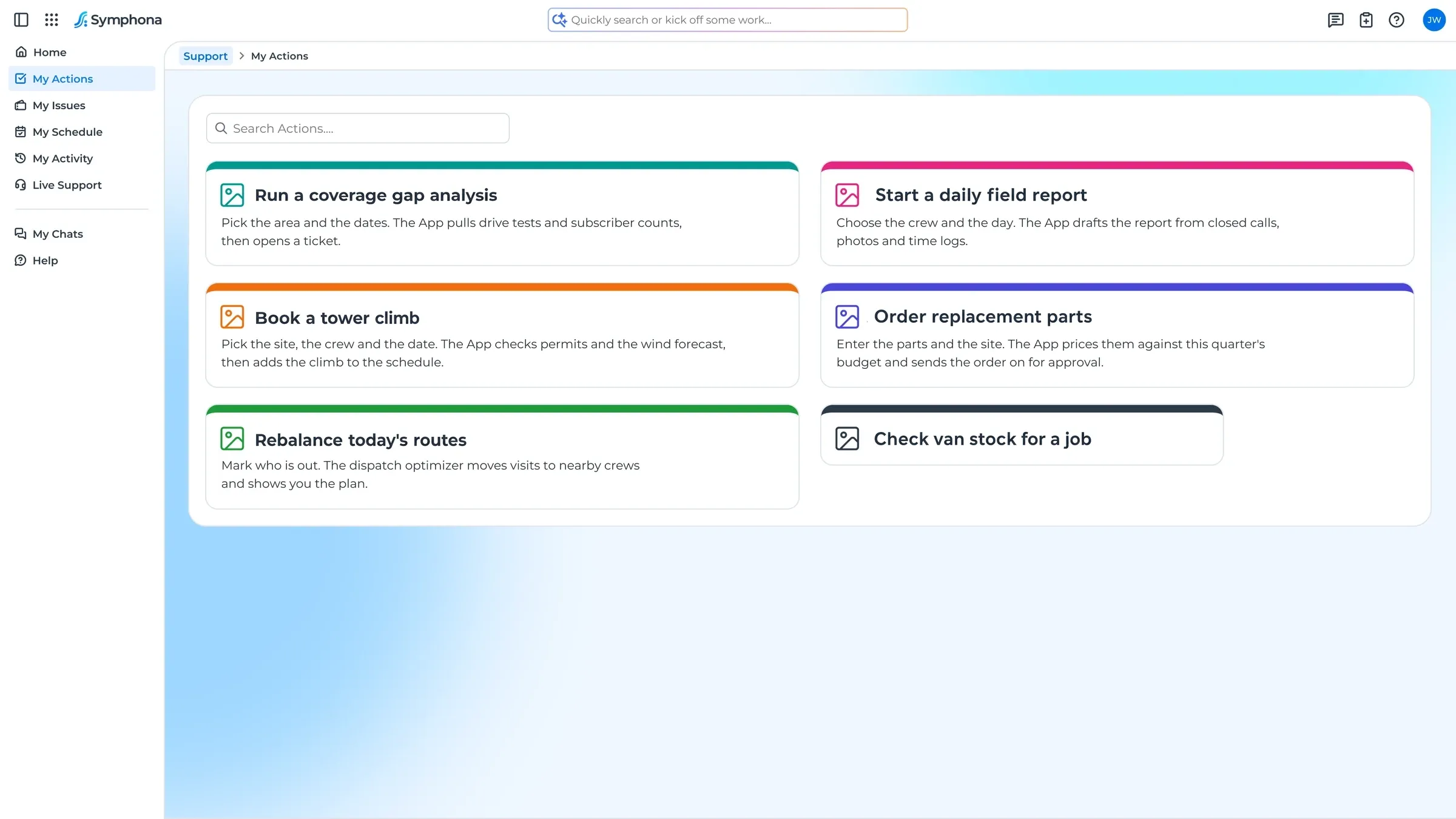
Start work from here. Pick an action, give it the inputs, and the App runs the steps.
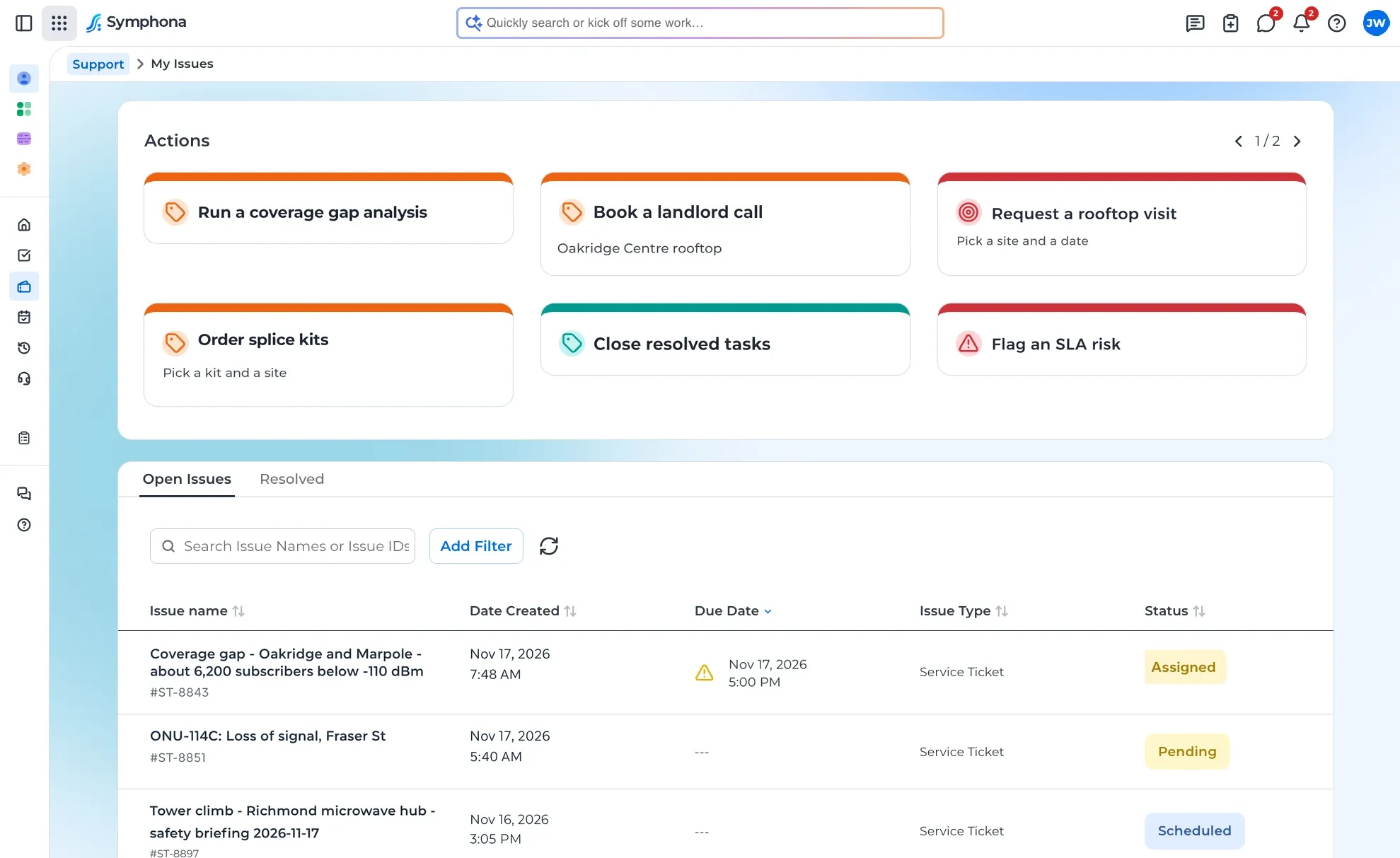
Every task you own, where it stands and when it's due.
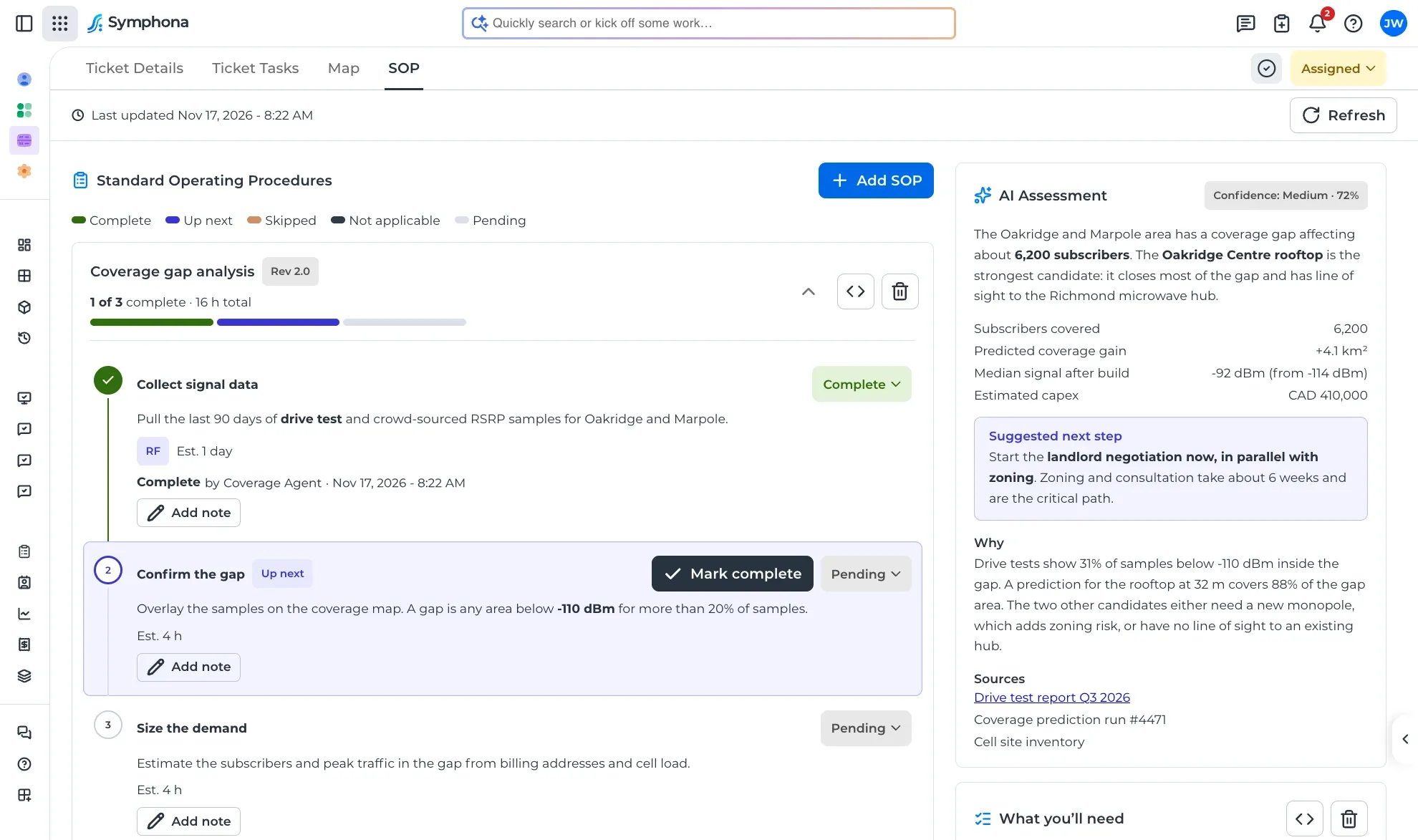
Open a task and the groundwork is done: the data pulled, the options weighed and a next step suggested by an AI Agent.

Each industry has its own jobs. Pick yours and see Apps that fit it.
Apps for Small business
- Prospecting App. Drafts researched, personal emails for you to review and send.
- Scheduled Callback App. Books a callback time in chat and texts a confirmation.
- Expenses App. Codes each receipt against your policy and flags exceptions.
- Work Order Scheduling App. Books jobs in web chat and assigns a technician.
Apps for Startups
- In-Product Assistant App. Customers manage their own setup in your product, by chat.
- Customer Support App. Customers help themselves. Your team takes the rest.
- Accounts Payable App. Reads and codes invoices against your vendor terms.
- Meeting Follow-up App. Turns a call transcript into a summary and follow-up draft.
Apps for Telecom
- NOC / Incident Triage App. Matches each pasted alert to its runbook steps.
- Pole Attachments App. Runs the shot clock on each pole attachment application.
- Outage Notices App. Sends customers outage notices, callback slots and the all-clear.
- Order Exceptions App. Suggests fixes from your procedures for pasted order errors.
Apps for Manufacturing
Apps for Construction
- Field Service App. Crews ask the App and get answers from your manuals.
- Lead Qualification App. Scores website leads, books slots on a calendar in SimplyAsk.
- Collections App. Turns overdue accounts into ranked tickets with draft reminders.
- Daily Briefing App. Emails managers a brief and opens tickets for threshold breaches.
Apps for Retail
- Freight Audit App. Audits carrier invoices and opens tickets for disputed charges.
- Feed Alerts App. Watches the feeds you list. Each complaint becomes a ticket.
- Candidate Screening App. Scores each applicant against your criteria for the recruiter.
- IT Help Desk App. Answers from your IT guides or opens a ticket.

Put your first AI App on tonight's shift.
Want a hand going live? See how enablement works